Consumer Alert
Searching online: bill pay impersonators





The .gov means it’s official.
Federal government websites often end in .gov or .mil. Before sharing sensitive information, make sure you’re on a federal government site.

The site is secure.
The https:// ensures that you are connecting to the official website and that any information you provide is encrypted and transmitted securely.
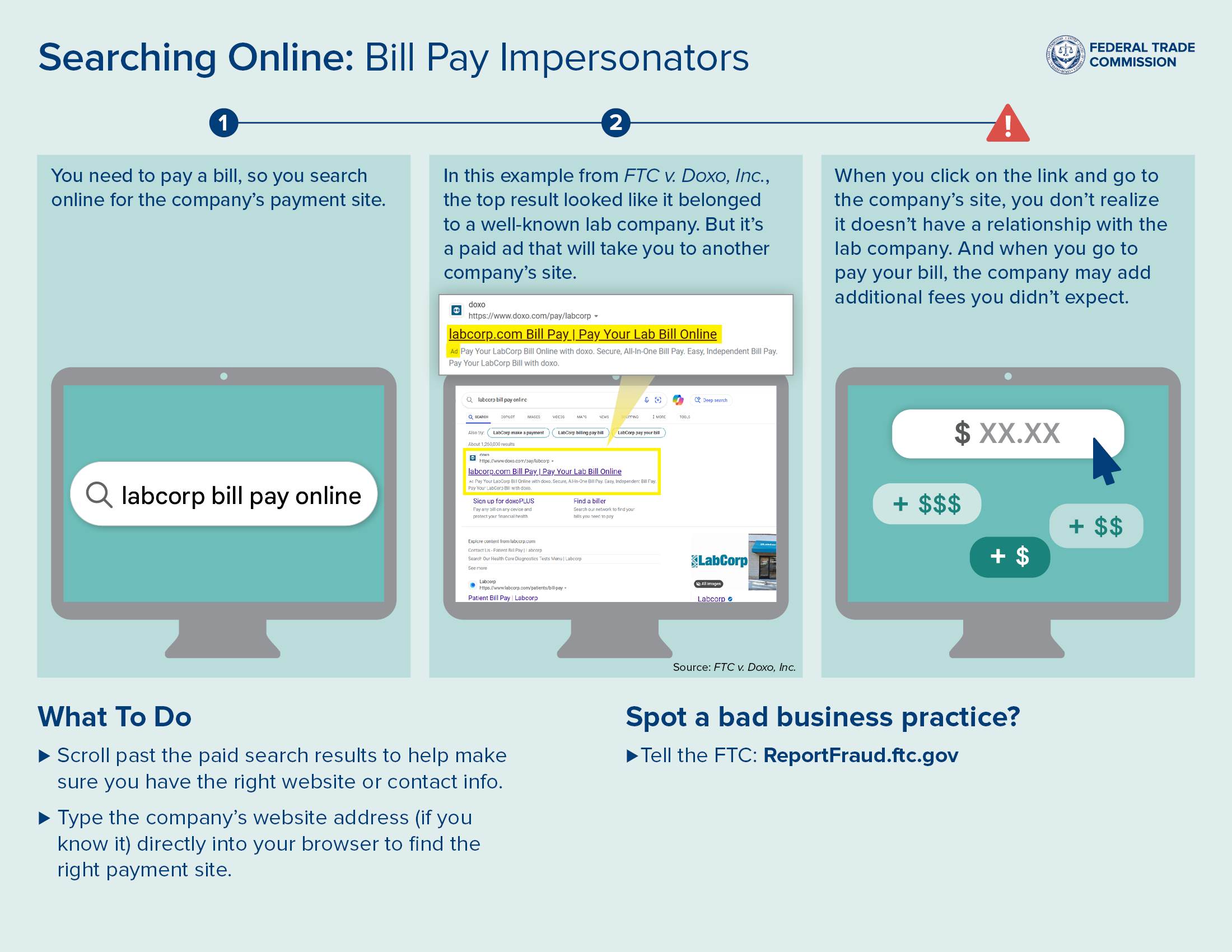
Planning to pay a bill online? Before you start searching for a company’s payment site, know that dishonest companies sometimes use paid search ads to trick you into paying them instead of the company or agency you’re looking for. Here’s how it happens.
You need to pay a bill, so you search online using a search engine such as Google Search or Bing for the company’s payment site.

In this example from FTC v. Doxo, Inc., the top result looked like it belonged to a well-known lab company. But it’s a paid search text ad that will take you to another company’s site.

When you click on the link and go to the company’s site, you don’t realize it doesn’t have a relationship with the lab company. And when you go to pay your bill, the company may add additional fees you didn’t expect.

According to the FTC’s complaint, Doxo — using search engines, such as Google Search or Bing — mispresented that it was an official payment channel for companies and agencies including Labcorp, AT&T, and state toll authorities.
So how can you make sure you’re going to the real payment site?
Spot a bad business practice? Tell the FTC at ReportFraud.ftc.gov.